
Looking for the Fire Kirin download? Here's the short version: Fire Kirin is a fish-table sweepstakes game that's popular all over the US. To play on Android, you grab the APK file from a trusted source, allow installs from unknown sources in your phone's settings, install the APK, and open the app. The whole thing takes about five minutes if you know the steps. This page walks you through exactly that, what the app is, what you need to run it, and how to get it on your phone without the headaches.
What Is Fire Kirin?
Fire Kirin is a sweepstakes casino game that mixes fish-shooting arcade action with classic slot machines. If you've ever been to a fish-table arcade cabinet, the big round table with the cannons, that's the core experience here, just on your phone.
The game works on a sweepstakes model. You play with in-game credits, and the app is designed for entertainment, it isn't a real-money gambling app in the traditional sense. That matters because it shapes what to expect: you're downloading a game, not a casino.
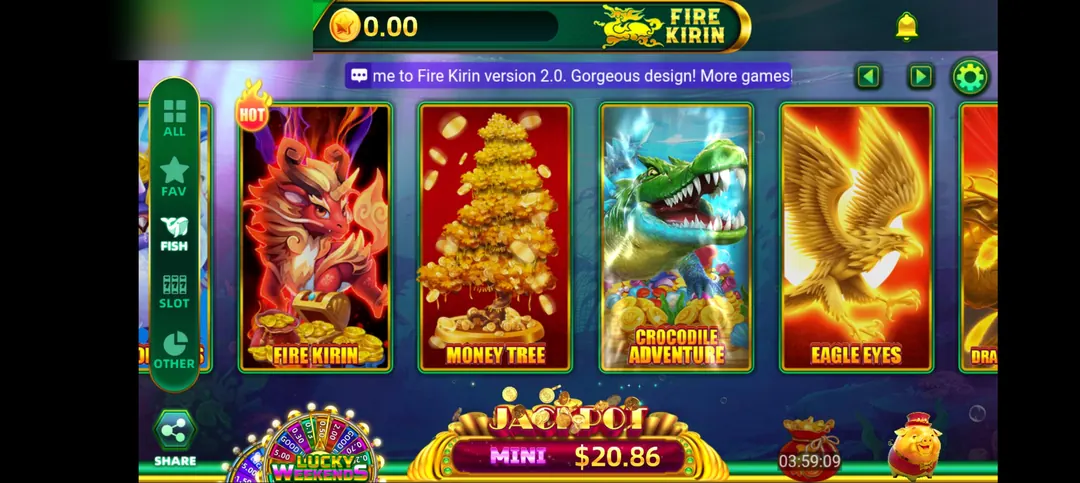
Where to Download Fire Kirin Safely
Let's talk about the thing people get wrong most often: where the file comes from.
Fire Kirin is not on the Google Play Store. It never has been. That means the only way to install it on Android is through an APK file downloaded from a website. And that's exactly where the risk lives, not every site hosting a "fire kirin download" is trustworthy.
Here's what to watch for when picking a source:
- Check the site's reputation first. Look for a site that actually talks about the game in detail, real guides, real screenshots, a real FAQ. Thin one-page download traps are a bad sign.
- Verify the file details before installing. The official-ish current release is v3.4 and the APK is around 42MB. If the file you downloaded is 8MB or 200MB, something's off. Delete it.
- Scan the file. Run the APK through a scanner before installing. It takes thirty seconds and it's free.
- Avoid "mod" or "hacked" APKs. Anything promising unlimited credits or unlocked features is either malware or a fake.
Fire Kirin APK Details
Here's the current build info, so you can check what you're installing:
| Detail | Info |
|---|---|
| Latest version | v3.4 |
| File size | ~42 MB |
| Minimum Android | Android 6.0 (Marshmallow) and up |
| File type | APK |
| Cost | Free to download |
The app gets occasional updates, so if your version lags behind v3.4, it's worth grabbing the newer build. Updates usually include bug fixes and new game rooms rather than big changes.
How Do I Download Fire Kirin on Android?
This is the part everyone wants. Four steps, in order. Don't skip step two, that's the one that trips people up.
Step 1: Download the APK file
Open your phone's browser and go to a trusted download source. Tap the download button for the Fire Kirin APK. Your browser will warn you that "this type of file can harm your device", that's a standard Android warning for any APK downloaded outside the Play Store, not a judgment on this specific file.
Let the download finish. You should see a file around 42MB land in your Downloads folder.
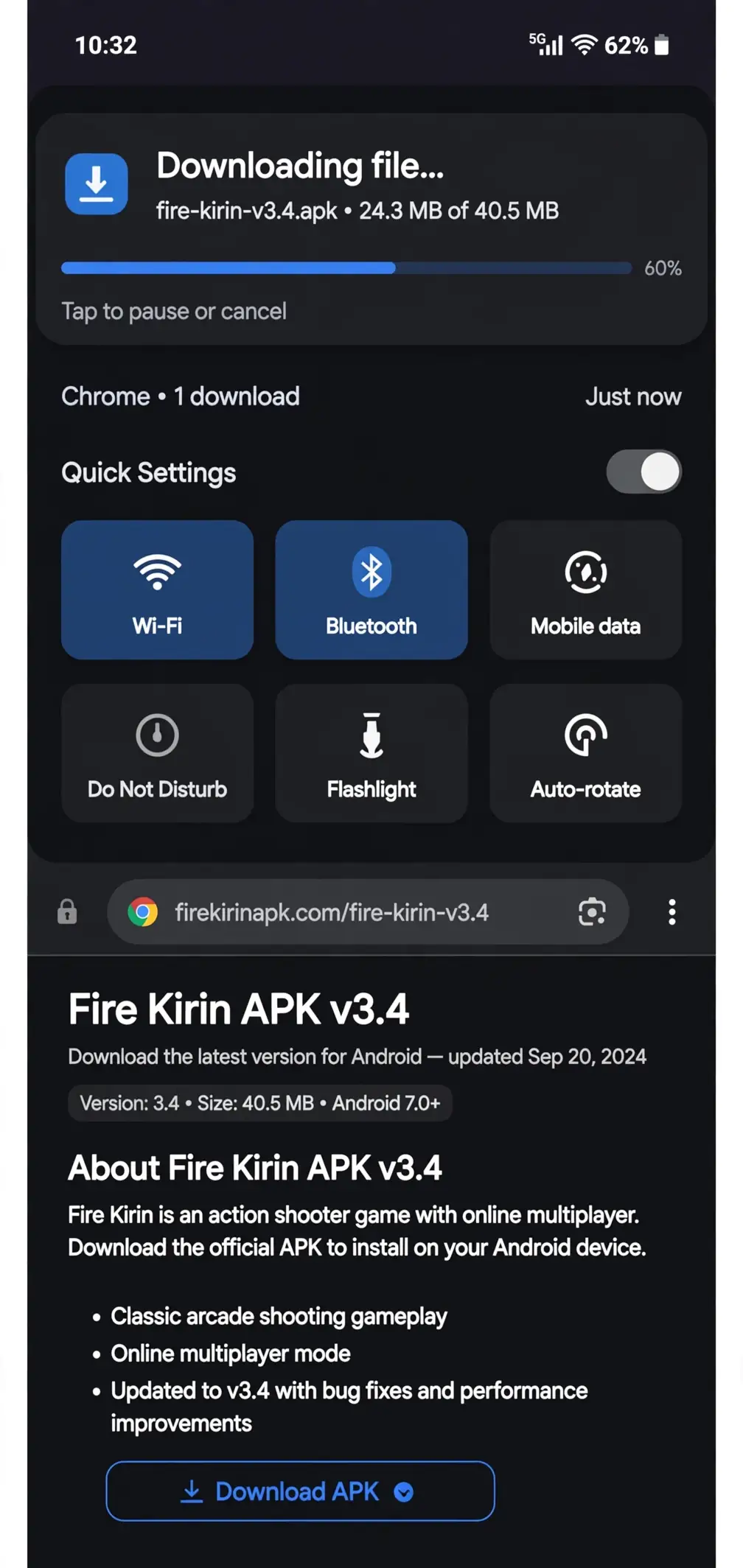
Step 2: Enable installs from unknown sources
Android blocks APK installs by default. You need to tell it this one's okay. The exact wording changes a little between phone brands and Android versions, but the path is roughly:
- Open Settings.
- Go to Apps (on some phones: Apps & notifications).
- Find your browser in the list (usually Chrome) and tap it.
- Tap Install unknown apps.
- Toggle Allow from this source on.
On newer Android versions, this permission is granted per app, your browser gets the green light, not every app on your phone. That's a good thing. It means only downloads through that browser can be installed, which limits exposure if you tap a bad link later.
If you'd rather not leave it on forever, flip it back off after the install.
Step 3: Install the APK
Open your Downloads folder (or pull down the notification shade and tap the finished download). Tap the APK file, then tap Install when Android asks. It takes a few seconds. You'll see a standard install confirmation when it's done.
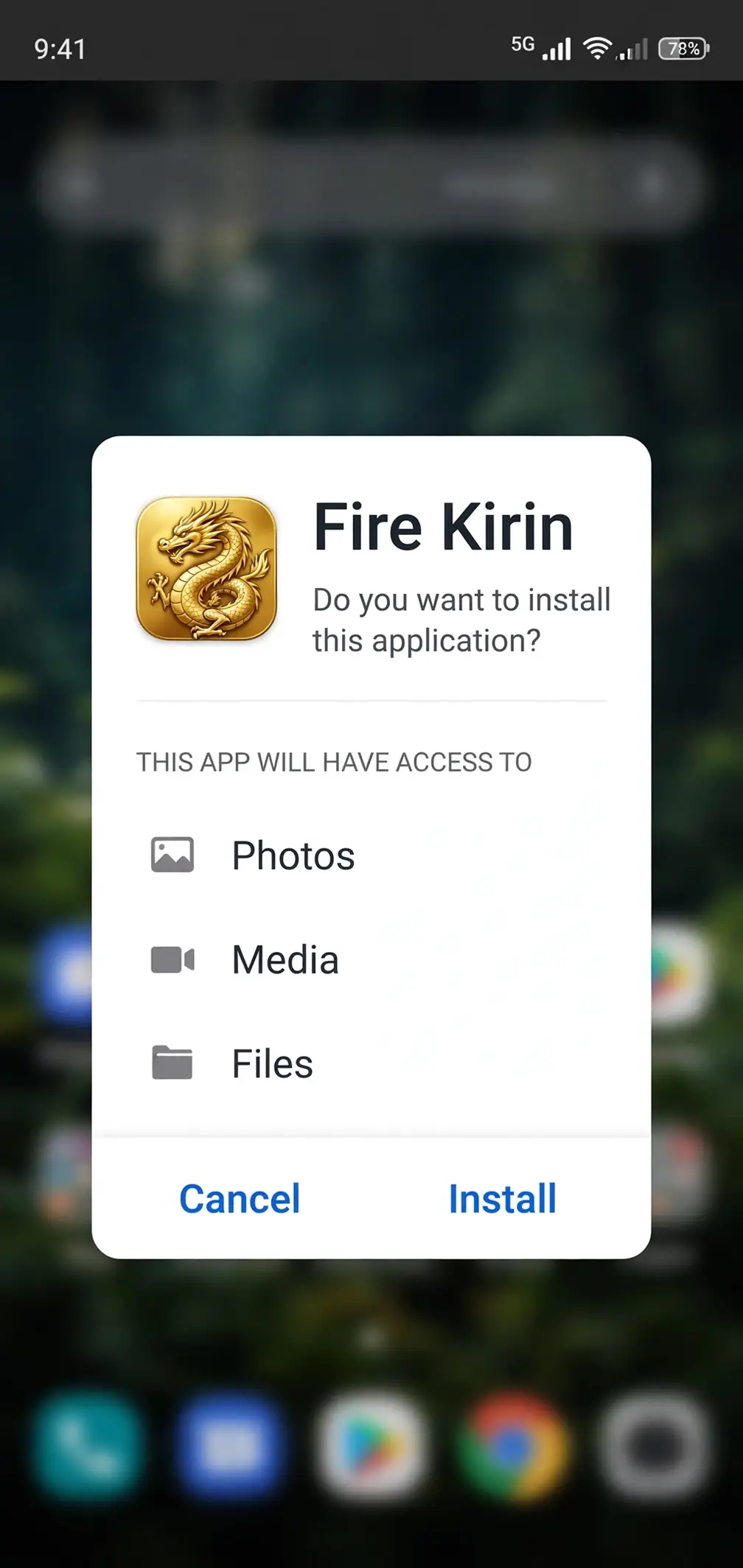
Step 4: Open the app and log in
Find the Fire Kirin icon in your app drawer and open it. The first launch downloads a bit of extra game data, let it finish on Wi-Fi if you can. Then you'll reach the login screen.
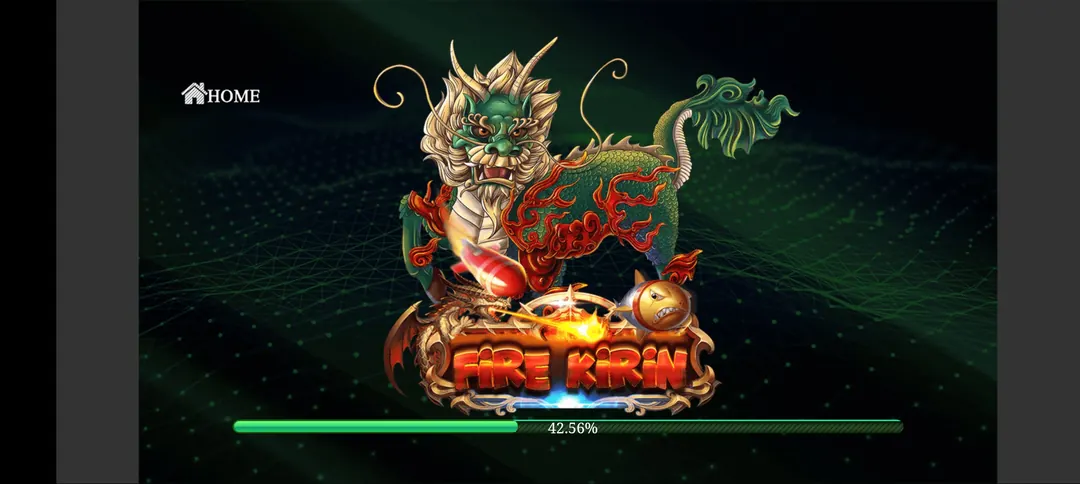
You'll need an account to play. Most players get their account through a distributor or an agent, Fire Kirin runs on a network of distributors who set players up with login credentials and handle credits. If you don't have one yet, that's the next thing to sort out after the install.
And that's it. You're in the lobby.
Is Fire Kirin Download Free?
Yes. Downloading the APK and installing it costs nothing. There's no purchase price, no subscription, and no paywall on the download itself.
What does cost money in this world is the in-game credits you play with, those are handled through distributors, not through the app store. The download is free; the gameplay economy is a separate thing. Don't confuse the two, and be wary of any "download" page that charges you for the file itself. That's a scam. The APK should always be free.
What Android Version Do I Need for Fire Kirin?
Android 6.0 (Marshmallow) or newer. That's the official minimum for v3.4.
Practically speaking, almost any phone made in the last several years clears that bar easily. The app is only about 42MB, so storage isn't a real concern either, though like any game with live graphics, it runs smoother on a phone with a bit of headroom.
Fire Kirin system requirements
- OS: Android 6.0 and up
- Storage: ~42MB for the APK, plus a little extra for game data after first launch
- RAM: 2GB minimum; 3GB+ is more comfortable
- Connection: stable internet, Wi-Fi or mobile data both work, but the games are real-time, so a flaky connection will show
If your phone is old enough that it's still on Android 5 or below, the current build won't install. In that case, check our old versions page, earlier builds supported older phones, though you'll miss newer game rooms and fixes.

Can I Download Fire Kirin on iPhone?
This is the second-most-asked question, so let's clear it up: there's no native iOS app on the App Store.
Apple doesn't allow this kind of game on its store, so there's no iPhone version you can download the normal way. That hasn't stopped people from playing on iPhones, there are workarounds, but they're clunkier than the Android experience and they change from time to time.
If you're on iOS, don't try to force an Android APK onto your iPhone. It won't work, and sketchy sites claiming to have "Fire Kirin for iPhone" downloads are a classic malware delivery trick. Read our full breakdown on the iOS options page instead, which explains what's actually possible and what's just bait.
What About PC?
Some players prefer a bigger screen, and there are ways to run Fire Kirin on a computer, usually through an Android emulator. That's a whole separate setup with its own quirks, so we put it in its own guide: Fire Kirin for PC.
Should I Use an Old Version?
Usually, no. The latest build (v3.4) is the one you want, it's the most stable, has the current game rooms, and plays nicest with the current login servers.
The exception is hardware: if your phone is stuck on an old Android version and the current APK refuses to install, an older build may be your only option. We've collected the older releases on our old versions page. Use them as a fallback, not a first choice.
How to Update Fire Kirin
Since the app isn't on the Play Store, it won't update itself automatically. When a new version comes out:
- Download the new APK the same way you downloaded the original.
- Install it over the existing app, don't uninstall first, or you may lose local game data.
- Open the app and confirm the version number in the settings or about screen.
Quick Safety Checklist Before You Install
Honest scope here: sideloading any APK carries some risk, and it's fair to be cautious. Run through this list and you're covering the real threats:
- Download only from sites that discuss the game seriously and show real file details (version, size).
- Match the file against the known facts: v3.4, ~42MB.
- Scan the APK before installing.
- Grant "install unknown apps" only to your browser, not system-wide, and turn it back off after.
- Never pay for the download file. Never install a "mod" or "unlimited credits" version.
If a site fails any of these checks, find a different source. There are enough legitimate ones that settling for a sketchy download isn't worth it.
Frequently Asked Questions
Is the Fire Kirin download free?
Yes, completely. The APK is free to download and install. In-game credits are a separate matter handled through distributors, but the file itself should never cost you anything.
Is downloading Fire Kirin safe?
The APK itself is safe when it comes from a reputable source and matches the known file details (v3.4, ~42MB). The risk comes from fake download sites and modified APKs. Stick to trusted sources, verify the file size and version, scan it before installing, and never install a "mod" version. Follow the safety checklist above and you're covering the realistic threats.
What Android version do I need?
Android 6.0 (Marshmallow) or newer for the current v3.4 build. Nearly every phone sold in the last several years qualifies. If your phone is older than that, check the old versions page for a build that fits your device.
Why isn't Fire Kirin on the Google Play Store?
Google's policies don't allow this category of game on the Play Store, so the developers distribute it directly as an APK. That's normal for this kind of game, it doesn't by itself mean the app is shady. It just means you install it manually instead of through the store.
Do I need an account to play?
Yes. After installing, you'll land on a login screen, and you need credentials to get into the lobby. Most players get accounts through distributors. The download and the account are two separate steps, this page covers the download; your distributor handles the account side.
Can I play Fire Kirin on iPhone?
There's no official iOS app on the App Store. iPhone options exist but they're workarounds, not native installs, and any site offering a direct "iPhone download" of an APK is lying to you. See our iOS page for what's actually possible.
How big is the Fire Kirin APK?
About 42MB for v3.4. It downloads extra game data on first launch, so give it a little more room than that, but this is a small app by modern standards.
The install is blocked, what do I do?
That almost always means "install unknown apps" isn't enabled for your browser. Go to Settings → Apps → your browser → Install unknown apps, and allow it. Then tap the APK again. If it still fails, re-download the file, a corrupted download is the next most common cause.
You've got the facts: the current build is v3.4, it's about 42MB, it needs Android 6.0 or newer, and the install is four steps, download the APK, allow unknown-source installs for your browser, install, and log in. Take the safety checklist seriously, skip anything labeled "mod," and you'll be in the lobby in a few minutes.
New to the game itself? The how to play guide will get you oriented, and the deposit and withdrawal guide explains how credits work before you spend anything.
Download Fire Kirin APK, free, v3.4, ~42MB, Android 6.0+.